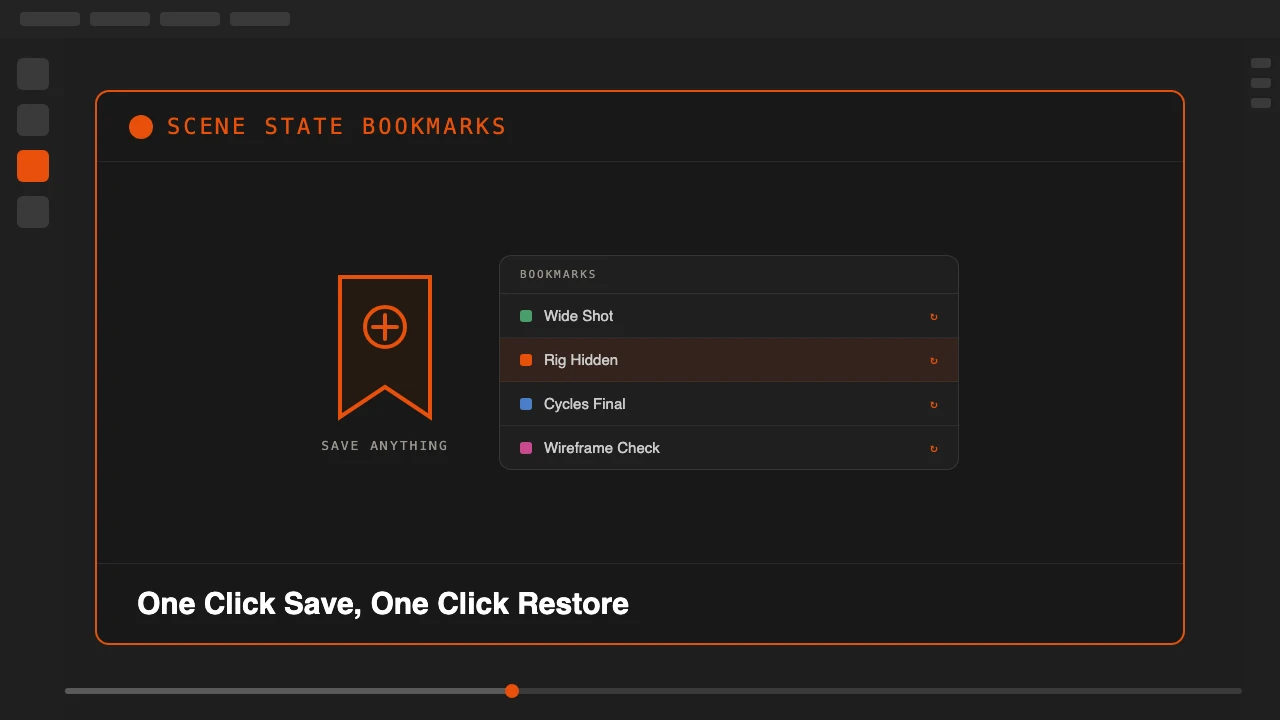
Every animator knows the pattern. You spend three minutes hiding collections, switching render engines, repositioning the viewport, and setting up the camera just to review one specific shot. Then you need to switch to another setup and do it all over again. Scene State Bookmarks eliminates that.
With one click, it saves a complete snapshot of your scene: which objects are visible, which collections are active, your viewport position and angle, the active camera, render engine and resolution, and your world and HDRI setup. Restoring that state takes exactly one click.
Scene State Bookmarks is available on Superhive.
A Complete Scene Memory, Not Just Visibility
Most visibility addons only toggle object or collection hide states. Scene State Bookmarks captures the full picture: your render settings, your camera, your viewport angle, your world all change together when you restore a bookmark. It behaves like a save slot for your working state rather than a single switch.
What Gets Saved
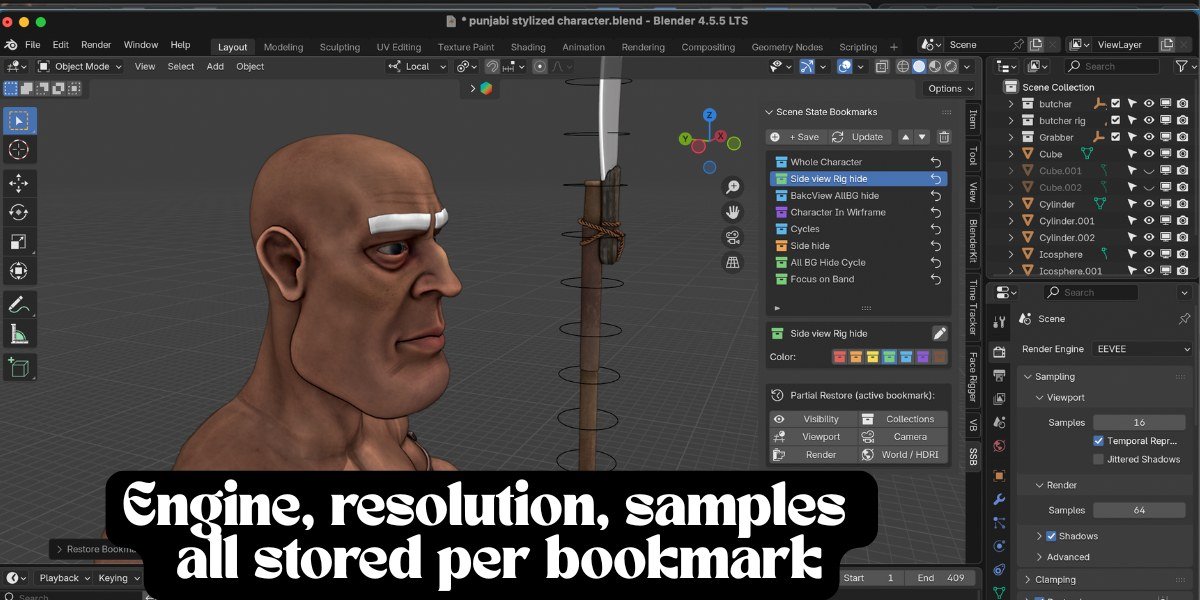
Object visibility in the viewport and render, collection exclude and hide states, viewport position, rotation, distance and perspective mode, viewport shading type and overlay settings, the active camera, render engine (EEVEE or Cycles), render resolution, Cycles and EEVEE sample counts, and world and HDRI assignment. All of it is saved inside the blend file, so a teammate opening the file gets the same bookmarks you set up.
Save Unlimited Bookmarks, Organize With Color
Bookmarks are unlimited per scene and color coded across seven colors for instant visual scanning in a long list. Rename a bookmark at any time without re-saving it, reorder bookmarks to match your workflow, and update an existing bookmark with the current scene state while keeping its name and color.
Partial Restore When You Only Need One Layer
Sometimes you only want the camera back, not the render settings, or only the visibility state without touching the viewport angle. Partial restore applies just one layer at a time: visibility only, collections only, viewport only, camera only, render only, or world only. That control is what separates a scene memory system from a simple toggle.
Who This Is For
- Animators jumping between character close-ups and wide environment shots without losing a setup.
- Riggers toggling between rig-visible and rig-hidden states across a long session.
- Render artists switching between low-resolution preview settings and full production settings without touching a single property manually.
- Anyone reviewing the same scene from EEVEE previews and Cycles final renders, or from wireframe checks and solid shading, repeatedly through a project.
Stop rebuilding the same viewport, camera and render setup every time you switch shots. Save it once, restore it in one click.
Get your scene setups back in one click, every time.