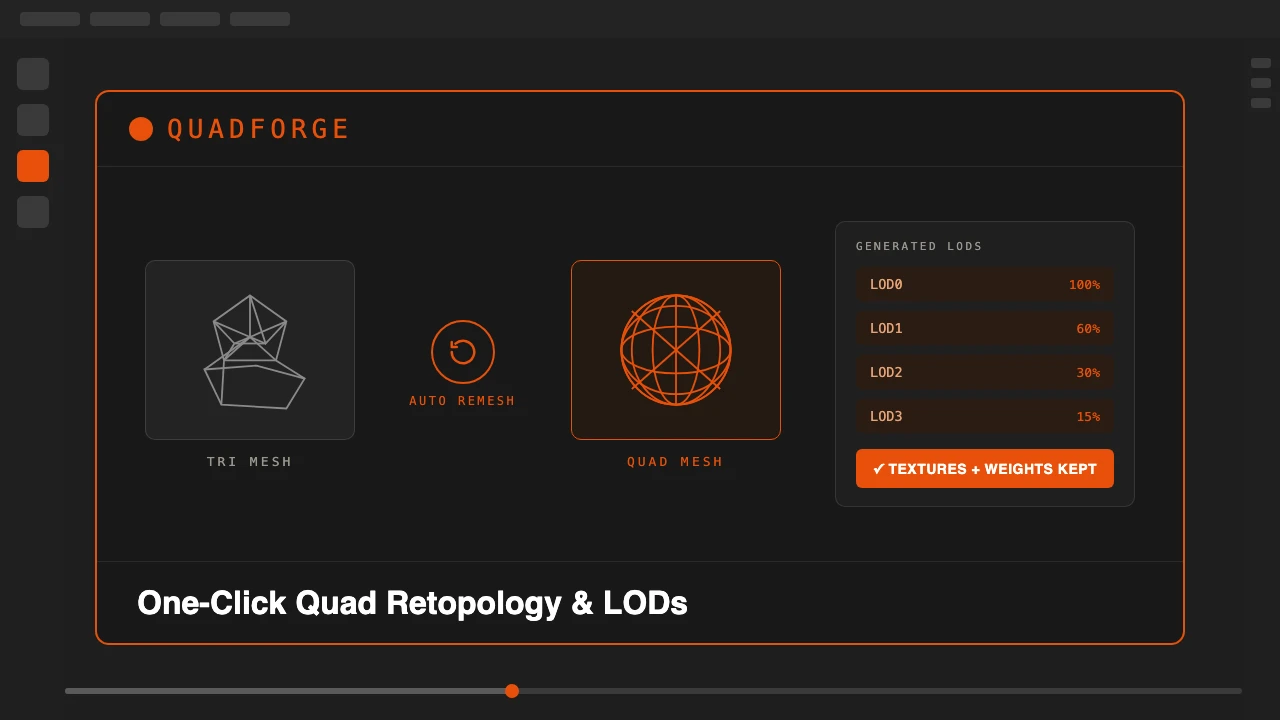
Manual retopology takes hours. Sculpted meshes, 3D scans, and meshes pulled from AI generators or photogrammetry come out as messy, uneven triangles. Before you can rig, animate or ship them in a game engine, someone has to rebuild the topology into clean quads by hand, redo the UVs, rebake the textures, and rebuild the vertex weights from scratch.
QuadForge removes that bottleneck. It runs an automatic quad-remeshing engine directly inside Blender's viewport and hands you back a production-ready mesh, complete with rebaked textures, transferred rig data, and optional LODs, without leaving your scene.
QuadForge is available on Superhive.
One Click, Not One Stage
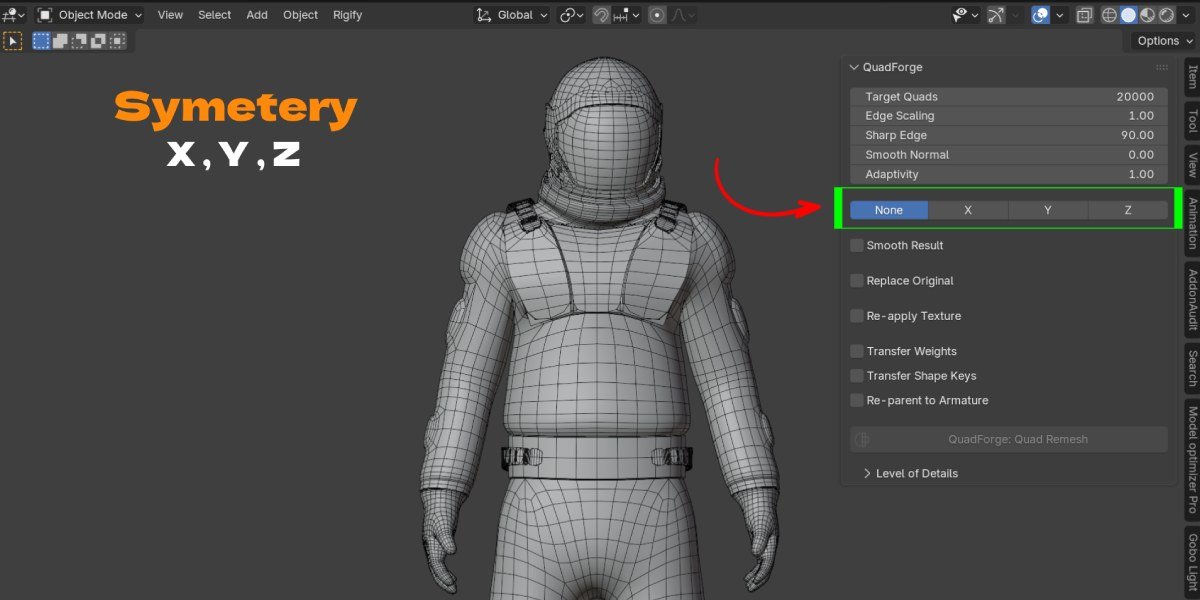
Select your triangle mesh in the viewport, open the N-panel's QuadForge tab, set a target quad count, and click Quad Remesh. The engine runs as a local subprocess on a background thread, so Blender's UI never freezes. You can keep working, and press Esc at any time to cancel. Mesh data streams through stdin/stdout only: nothing is written to disk, nothing is sent over a network. Everything happens on your machine.
Most retopology tools stop at "make it quads." QuadForge treats retopology as one step in a full production pipeline. It keeps genuine holes open (neck openings, eye sockets, sleeve cuffs) instead of capping them like generic remeshers often do, and it can remesh half your model and mirror it, so a character's left and right side get an identical, watertight quad layout.
Textures, Rig and Shape Keys Survive the Remesh
QuadForge rebakes your original material onto the new UVs, including a full PBR set (Base Color, Normal, AO, Roughness, Metallic) assembled into a ready Principled BSDF material, so you don't lose your look after retopology. A diffuse-only bake option is available when you just need color for faster iteration on early-stage assets.
It carries your rig with it too: vertex groups, armature deform weights, and shape keys transfer straight to the new mesh, and it can re-parent the result to your original armature automatically. Facial blend shapes and other morph targets survive the remesh instead of needing to be rebuilt.
One Source Mesh, a Full LOD Chain
QuadForge can generate multiple LODs from one source mesh in a single pass, either LOD 0 through 3 or a custom percentage-based set, each named and organized, ready for game engines that need level-of-detail switching. For a character artist or technical artist working under deadline, that's one less round trip between sculpting, retopology and the game engine.
Who This Is For
- Character artists cleaning up ZBrush or Blender sculpts into animation-ready quad topology without losing shape keys or skin weights.
- Game developers who need a full LOD chain for real-time engines like Unity, Unreal or Godot, generated from a single hero asset.
- Riggers and technical artists who need a deform-friendly quad mesh without rebuilding vertex groups and armature parenting by hand.
- 3D scan and photogrammetry cleanup, where raw capture meshes are dense, irregular triangles that need retopologizing before they're usable in a rig or a game.
- AI-generated mesh cleanup, where output from tools like Meshy or Tripo comes out as a triangulated blob that needs a clean, textured quad pass before production use.
Not sure whether your next asset needs a fully manual pass or an automatic one? See the full breakdown in Blender Retopology: Manual vs Automatic Methods.
Sculpt or scan a mesh, select it, click one button, and get a clean quad mesh with textures, weights, shape keys and LODs already in place.
Stop rebuilding topology, UVs and rig weights by hand for every asset.