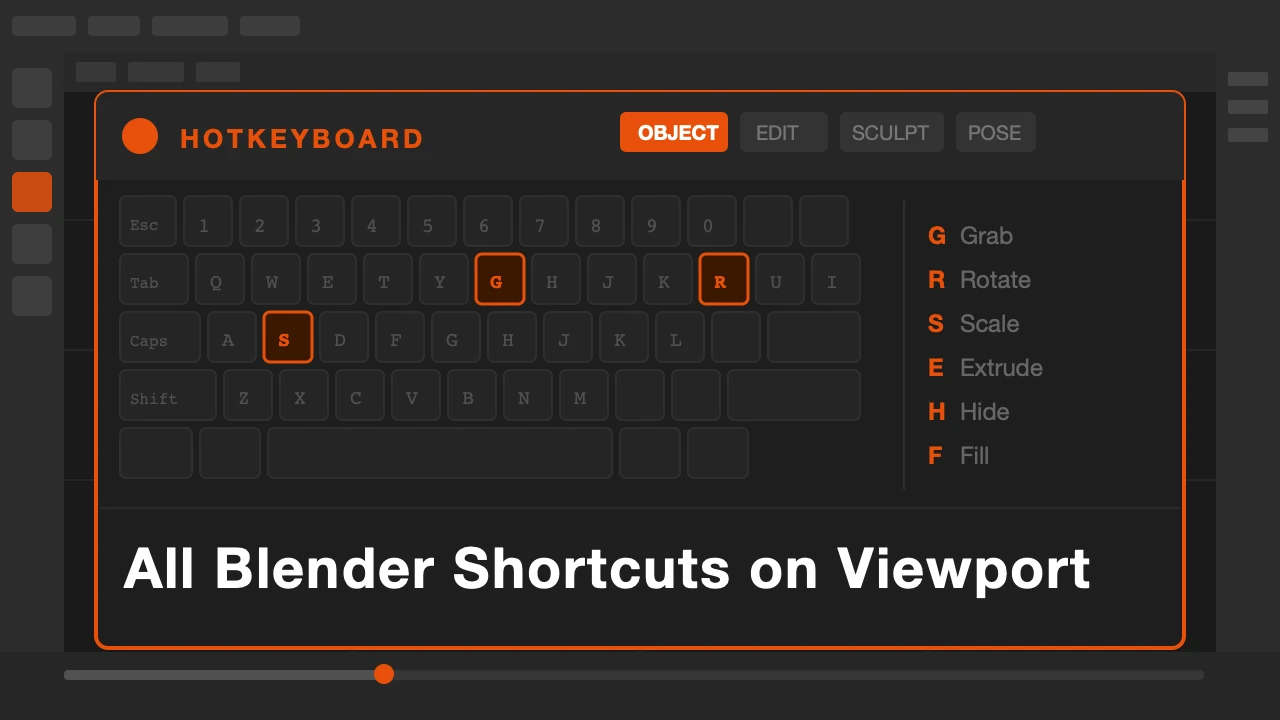
You press a key in Blender. Something unexpected happens. You undo. Try again. Something different. You open a browser tab, search for the shortcut, find a forum post from 2018, close the tab, go back to Blender, and forget what you were doing in the first place.
This is not a skill problem. It is a reference problem. Blender has hundreds of shortcuts and no built-in way to browse them while you work.
HotkeyBoard is available on Superhive and Gumroad.
The Problem with Cheat Sheets
Print a cheat sheet. Tape it to the wall. That is the advice. And it works, sort of. But your eyes are on the screen, the sheet is on the wall, and every time you look away you break the flow. You are not learning. You are just looking things up and immediately forgetting them.
The shortcut has to be in context. You need to see it at the moment you need it, in the mode you are in, for the action you are trying to do. That is the only way it sticks.
What HotkeyBoard Does
HotkeyBoard lives inside Blender. It is a panel in your N menu. Open it, press any key on your keyboard, and see exactly what that key does in your current mode. Hold Shift, Ctrl, or Alt and the display updates instantly to show modifier combinations.
Switch from Object Mode to Edit Mode. The shortcut list changes. Switch to Sculpt Mode. It changes again. You never see irrelevant shortcuts. You always see exactly what is available right now.
There is also a card view. Browse shortcuts by mode, filter by modifier, search by action name. If you want to know everything that Ctrl does in Pose Mode, two clicks gets you there.
759 shortcuts. 8 Blender modes. All of them organized and searchable without leaving Blender once.
Who This Is For
If you are new to Blender, this removes the biggest friction point in the learning curve. You can explore shortcuts as you work instead of stopping to search.
If you are switching from another 3D application, HotkeyBoard helps you remap your muscle memory fast. You see what Blender's shortcuts actually are, not what you guess they should be.
If you are an experienced Blender user who teaches, this is worth having open during sessions. Students stop guessing and start understanding the logic of the keymap.
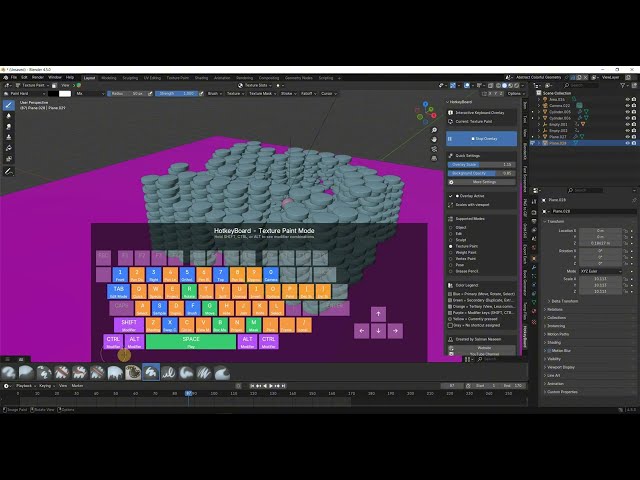
There is also a free online version at beinganimator.com/hotkeyboard-online. It works in any browser, no account needed. The addon version is what you want if you prefer to keep everything inside Blender.
Get HotkeyBoard and stop breaking your flow to look up shortcuts.