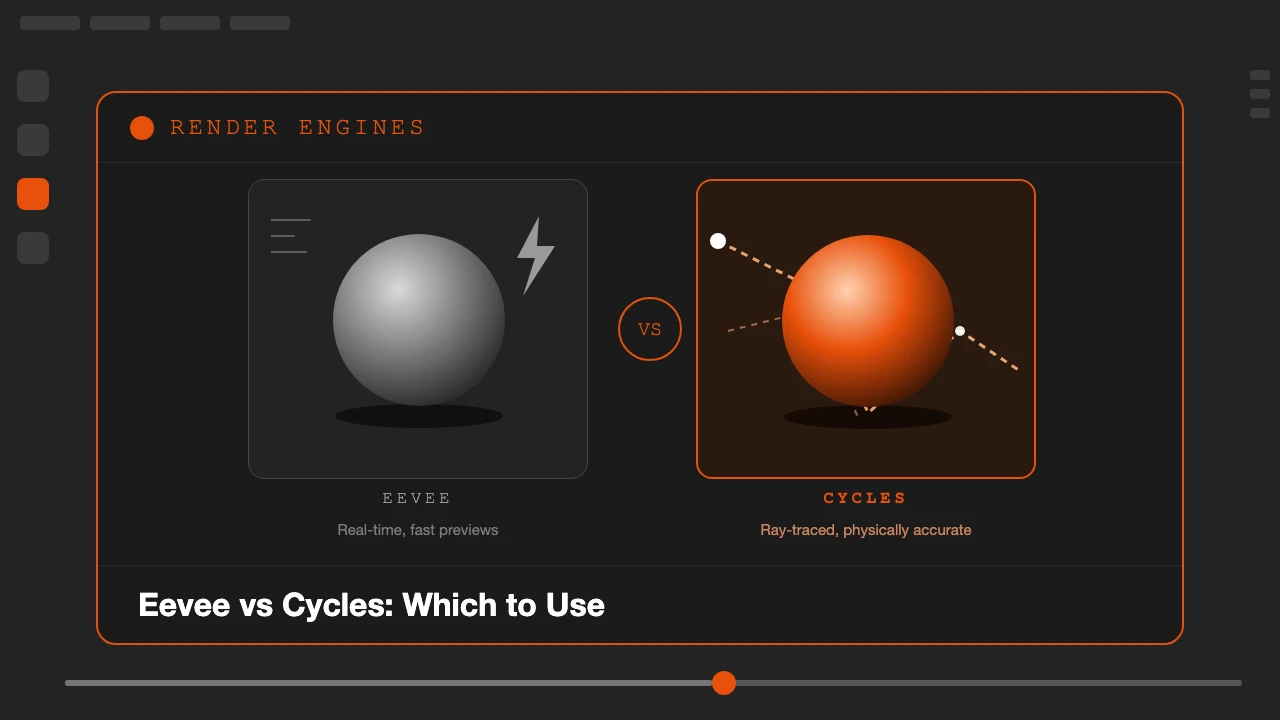
Every new Blender scene asks the same question before you place a single light: Eevee or Cycles? Pick wrong and you either wait minutes for a preview that should take seconds, or you ship a final render that looks flat because it skipped the light calculations your shot actually needed.
This is a practical breakdown of what each engine actually does differently, where that difference shows up in your renders, and a clear way to decide which one to reach for on your next project.
What Eevee and Cycles Actually Are
Eevee is Blender's real-time render engine. It uses rasterization, the same general approach game engines use, along with a set of clever approximations (screen-space reflections, baked or probe-based global illumination, and since Blender 4.2's Eevee Next, real-time ray tracing for reflections and refractions) to produce a result fast enough to view live in the viewport.
Cycles is Blender's path-traced render engine. It simulates how individual rays of light actually bounce around a scene, hitting surfaces, scattering, reflecting, and refracting, then averages many of those samples per pixel into a final image. That process is what produces physically accurate shadows, reflections, and indirect lighting, and it is also why Cycles takes longer: more bounces and more samples mean a cleaner, more correct result, but at a real time cost.
Speed: Where the Difference Is Most Obvious
Speed is the first thing anyone notices. Eevee can render a moderately complex scene in real time, often at interactive frame rates in the viewport, which is why it feels responsive while you are lighting or animating. Cycles, even with GPU acceleration, typically needs several seconds to several minutes per frame depending on scene complexity, sample count, and resolution, because it has to trace and average rays rather than approximate them.
That difference compounds across a project. A 10-second animation at 24fps is 240 frames. At even 10 seconds per frame, that is 40 minutes of render time in Cycles. The same sequence in Eevee might render in a few minutes total, sometimes faster than real time on a capable GPU.
Lighting Accuracy: Where Cycles Pulls Ahead
Cycles calculates light the way light actually behaves: it bounces, it scatters off rough surfaces, it refracts through glass and water, and indirect light from one surface correctly tints and illuminates the objects around it. That is what gives Cycles renders their characteristic depth and believability, especially in scenes with complex lighting, like a sunlit room with bounced light filling in shadows, or a glass of water refracting the scene behind it.
Eevee Next closed a lot of this gap by adding real-time ray tracing for reflections and refractions and better light probes for indirect lighting, so many scenes now look close to a Cycles result at a fraction of the render time. But Eevee still relies on approximations in places Cycles does not: certain complex light paths, very detailed caustics, and some edge cases in volumetrics and subsurface scattering are still handled more correctly, if more slowly, by Cycles.
Side-by-Side Comparison
See the Difference in Action
If you would rather see it than read about it, this short video compares the two engines side by side and shows which one makes sense for different kinds of shots.
Video by Being Animator.
When to Use Eevee
- Fast iteration while you work. Lighting, animation, and layout all go faster when you can see the near-final result as you adjust it, instead of waiting on a render to check a change.
- Motion graphics and stylized projects. If the look is not aiming for strict photorealism, Eevee's speed advantage with little visual compromise makes it the obvious choice.
- Previz and client reviews. Quick turnaround matters more than perfect light accuracy when you are showing a client a rough version of a scene.
- Animations with many frames. The render time difference scales with frame count, so Eevee's speed advantage becomes more valuable the longer the animation.
- Lower-powered hardware. Eevee is less demanding on your GPU than a full path tracer, so it stays responsive on more modest machines.
When to Use Cycles
- Product shots and archviz. Clients and viewers expect accurate reflections, correct shadow softness, and believable indirect light in these contexts, and Cycles delivers that more reliably.
- Scenes with complex light interaction. Glass, water, caustics, and heavy indirect bounce lighting (a sunlit interior, for example) are where Cycles' physical accuracy shows up most clearly.
- Final hero renders. When a single still or short sequence needs to look as correct as possible and render time is not the constraint, Cycles is the safer choice.
- When you have render farm access or time to spare. If render time is not on your critical path, there is little reason not to use the more physically accurate engine.
A Practical Workflow That Uses Both
Most working pipelines do not pick one engine and stick with it for an entire project. A common approach: block out lighting, camera, and animation in Eevee, where changes are near-instant to evaluate. Once the scene is locked, switch the render engine to Cycles for the final output, where the extra render time is a one-time cost instead of something you pay on every iteration.
Blender makes this switch straightforward, since both engines read the same scene, objects, and (mostly) the same materials. The main things to recheck after switching are lighting intensity, which often needs retuning because the two engines calculate exposure differently, and any screen-space effects that only exist in Eevee, which have no equivalent to carry over.
Common Mistakes When Choosing Between Them
Defaulting to Cycles for everything "because it's more accurate" is a common one. If a shot does not need that accuracy, you are paying a real time cost for nothing. The opposite mistake is staying in Eevee for a final photoreal render and being surprised when reflections or glass do not look convincing, when switching to Cycles for just the final output would have solved it.
Another frequent issue is not retuning materials after switching engines. A roughness or emission value tuned by eye in Eevee can look noticeably different once Cycles calculates the same material with full light transport. Always do a final check render in your target engine before calling a shot finished.
Frequently Asked Questions
Is Eevee or Cycles better in Blender?
Neither is better overall. Eevee is a real-time engine built for speed: fast viewport feedback and quick final renders, which suits motion graphics, previz, games assets, and stylized work. Cycles is a ray-traced engine built for physical accuracy: correct reflections, refractions, and global illumination, which suits product shots, archviz, and photoreal work. The right choice depends on what the shot needs, not which engine is objectively superior.
Has Eevee Next closed the gap with Cycles?
Eevee Next, introduced in Blender 4.2, added ray-traced reflections, refractions, and volumetrics on top of the original rasterized engine, so the visual gap is much smaller than it used to be. It is still not a full path tracer, so some light behavior, like accurate caustics or very complex indirect bounces, is still handled more correctly by Cycles.
Can I switch a scene from Eevee to Cycles later?
Yes. The render engine is a project setting you change from the Render Properties tab, and most materials built with Blender's Principled BSDF look reasonably close in both engines. Expect some retuning of lighting and material roughness values, since the two engines calculate light differently.
Why does Cycles take so much longer to render than Eevee?
Cycles traces individual rays of light bouncing through the scene to calculate accurate shadows, reflections, and indirect lighting, which takes many samples per pixel to look clean. Eevee approximates most of that lighting using faster rasterization techniques and screen-space effects, trading some physical accuracy for speed.
Which engine should a beginner learn first?
Start with Eevee. The fast feedback loop means you see the result of a change immediately, which makes learning lighting, materials, and composition far less frustrating. Once you are comfortable, try the same scene in Cycles to see how it responds to physically accurate light, and learn when you actually need that accuracy.
If estimating how long a Cycles render will actually take is part of your planning, our free Blender Render Time and Cost Calculator can help before you commit a scene to an overnight render.