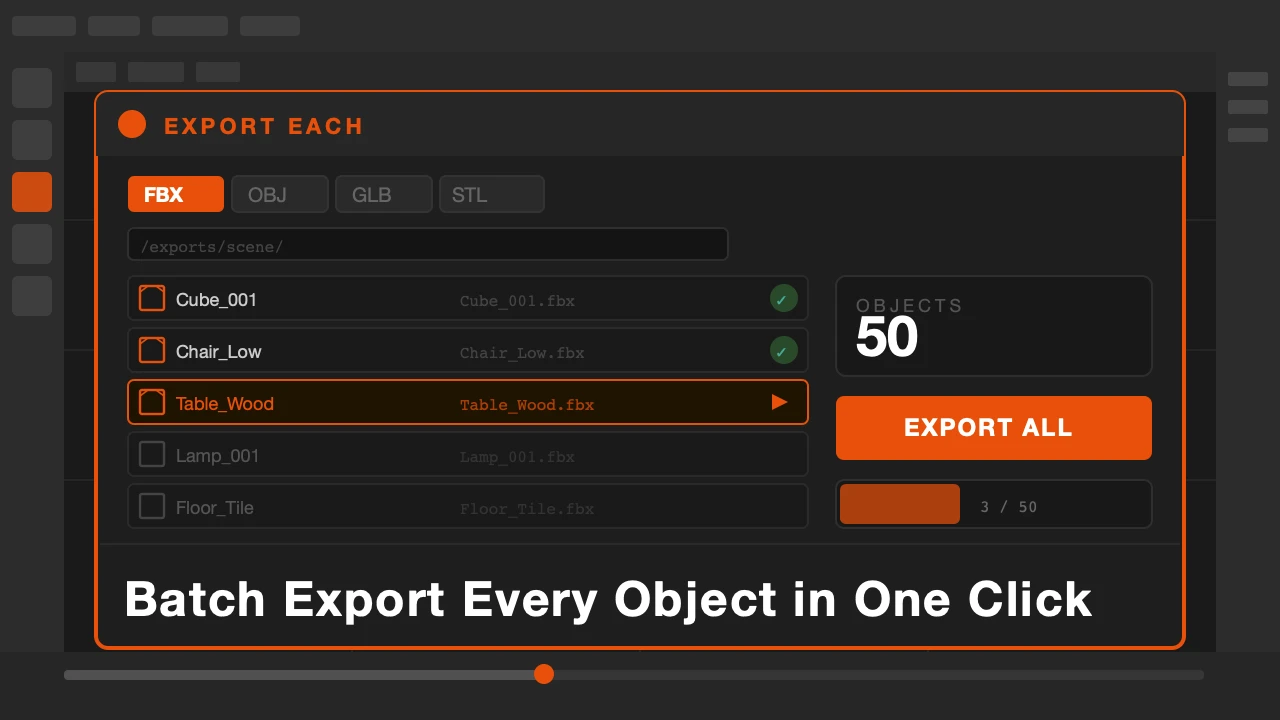
You finish modeling a set of game assets. Ten objects. Maybe twenty. Now you need each one as its own FBX file for the engine. So you select the first object, go to File, Export, FBX, type a name, choose a folder, hit export. Then you do it again. And again.
By object five you are making mistakes. Wrong names, wrong folders. By object ten you have wasted half an hour on something that should take ten seconds.
Export Each is available on Superhive and Gumroad.
The Export Problem Nobody Talks About
Blender's built-in export is designed for single exports. It is not built for asset pipelines. If you work in games, archviz, or any workflow that produces many individual files, you already know the pain.
Scripting a solution is possible but takes time most artists don't have. And you'd have to redo it every time something changes.
What Export Each Does
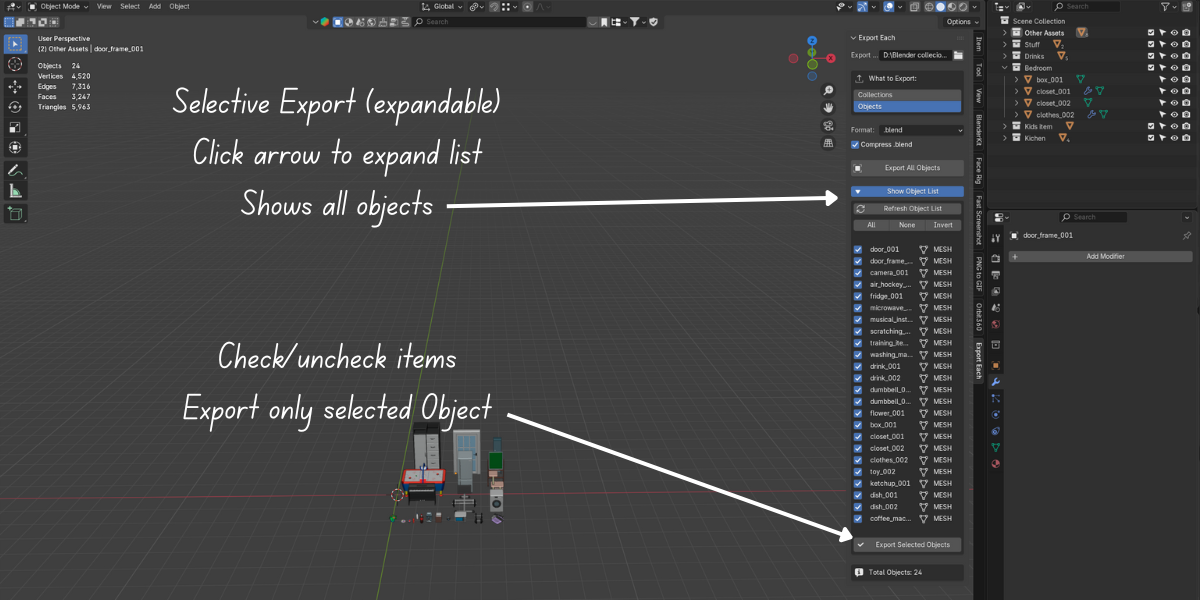
Select the objects you want to export. Open the Export Each panel. Choose your format: FBX, OBJ, GLTF, or others. Set your output folder. Click export.
Each object becomes its own file, named automatically after the object's name in Blender. No dialog boxes per object. No manual naming. The whole batch runs in one go.
You can export selected objects only, or everything in the scene. If you have objects organized in collections, you can export by collection too. The structure of your scene maps directly to the structure of your output folder.
Transform options are included. Apply scale, rotation, and location before export so your assets come into the game engine clean, without the usual scale and rotation fixes.
Who This Is For
Game artists are the obvious fit. Any pipeline that needs individual files per asset benefits immediately. If you supply assets to a client, marketplace, or asset library, this removes the most tedious part of the delivery process.
It also works well for archviz and product visualization, where individual elements need to be exported for use in other tools or renderers.
If you are still exporting objects one by one, this is the addon that ends that. The time it saves on the first batch export pays for itself.
Stop exporting one object at a time.