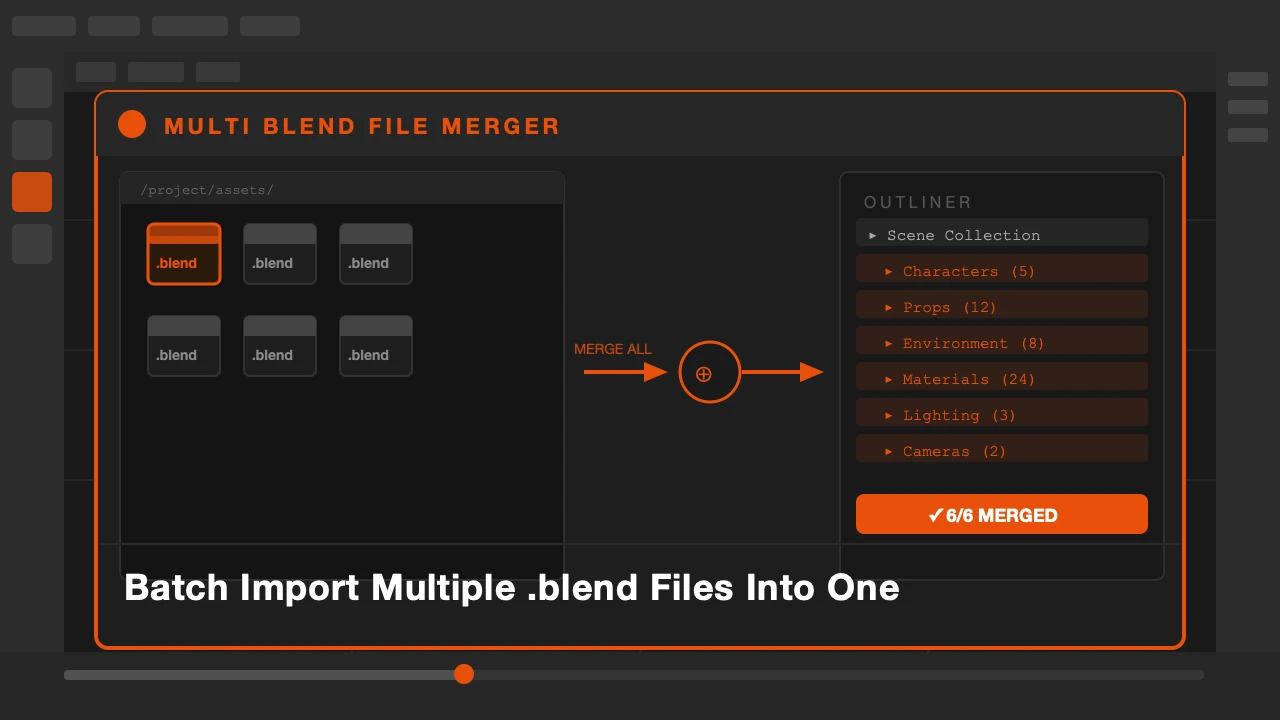
Your project lives across five .blend files. A character file, a props file, an environment file, a lighting setup, and a collection of reusable assets. Now you need to bring them all together for the final assembly.
So you start appending. File, Append, navigate to the first blend file, select what you need, append, close. Then do it again. And again. For every file. For every collection.
That process does not scale. This addon replaces it.
Multi Blend File Merger is available on Superhive and Gumroad.
Why Manual Appending Breaks Down
Blender's append dialog works fine for a single import. When you are assembling a large scene from multiple sources, it becomes the bottleneck. Each import is its own manual process. You lose track of what came from where. Naming collisions start happening. The session turns into file management instead of creative work.
What Multi Blend File Merger Does
Select multiple .blend files from a folder. The addon lists the collections and objects inside each file. You check the ones you want, set your preferences, and run the import. All of them come in at once.
Collections are preserved. Your imported assets land in the same collection structure they had in their source files. Nothing gets dumped into the scene root.
You can choose to link or append. Linking keeps the assets connected to their source files so changes propagate. Appending makes them fully local. Both workflows are supported.
If you work with a shared asset library across multiple projects, this is how you pull from it cleanly. Point it at your library folder, select what you need, import in one batch.
Who This Is For
Artists working on large productions where assets are split across multiple files. Anyone maintaining a personal or team asset library in Blender. Pipeline artists assembling final scenes from separate modular files.
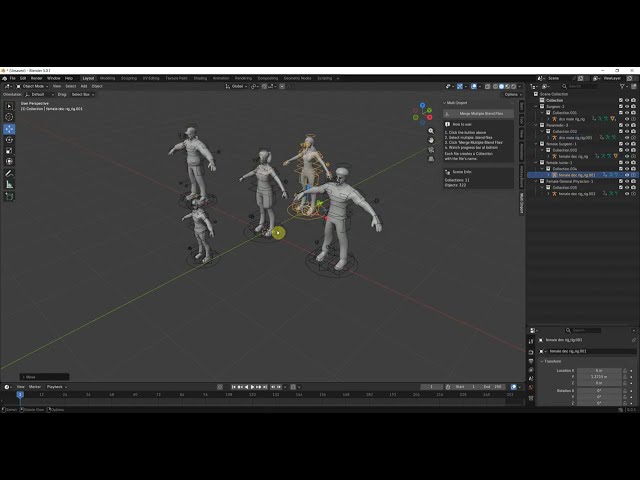
One batch. All your files. Done.
Stop appending one file at a time.