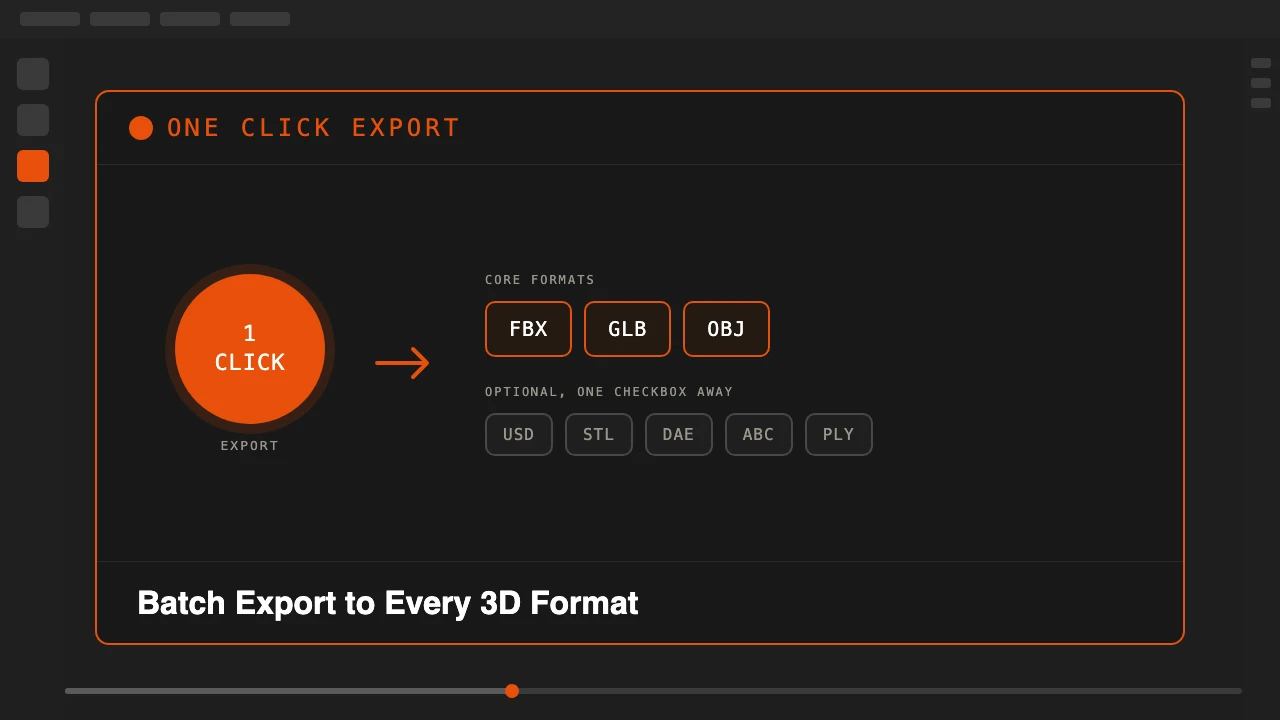
Every export format in Blender has its own dialog, its own checkboxes, and its own way of quietly breaking your textures. Need the same asset in FBX for Unity, glTF for the web, and OBJ for a client? That is three separate trips through the export menu, three chances to forget "selected objects only," and three chances for a texture to go missing.
One Click Export collapses all of that into a single button in the viewport sidebar. Pick your formats once, save it as the default, and every export after that really is one click.
One Click Export is available on Superhive.
Every Format, One Button
FBX, glTF Binary (GLB), and OBJ export by default the moment you click. USD and USDZ, STL, Collada (.dae), Alembic (.abc), and PLY are available as optional formats, each just a checkbox away in the Quick Export panel. Each format runs independently, so if one export hits a problem, the rest still complete. You get a clear report of what succeeded and what did not, never a silent failure or a crashed operation.
Choose whether to export the whole scene or just your current selection, and pick a per-format subfolder or one flat folder for everything. A live folder preview shows exactly where the files are about to land before you click.
Textures That Actually Survive the Export
Missing textures on FBX or OBJ export is one of the most common Blender export headaches, and it is exactly what One Click Export is built to fix. Textures get embedded, copied, or zipped into a single tidy archive automatically, whichever approach suits the format you are targeting.
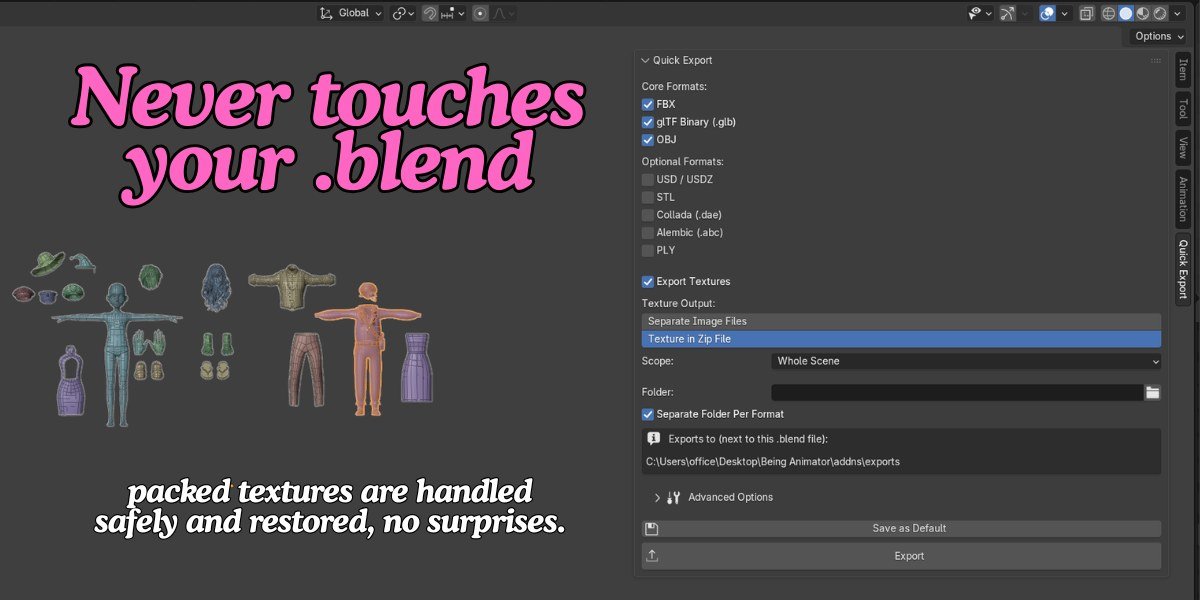
If your scene uses packed textures, they are unpacked for the export and restored afterward without ever modifying your saved .blend file. Nothing about the export process leaves your working file in a different state than you found it.
Set It Once, Export Forever
Save your favorite combination of formats, scope, and folder structure as the default, and future exports skip the configuration entirely. Advanced options for scale, modifiers, and axis settings stay tucked out of the way until you actually need them, so the everyday workflow stays a genuine one-click action.
Who This Is For
- Game developers delivering the same asset to Unity, Unreal, and Godot, each expecting a different format.
- Freelancers and studios shipping assets to 3D marketplaces that require multiple file formats per listing.
- Anyone moving models between Blender and other apps like Substance Painter or Marmoset Toolbag.
- Artists tired of Blender's export menu and the same five clicks repeated for every deliverable.
Set your formats once. Every export after that is a single click.
Stop repeating the same export five times for five formats.