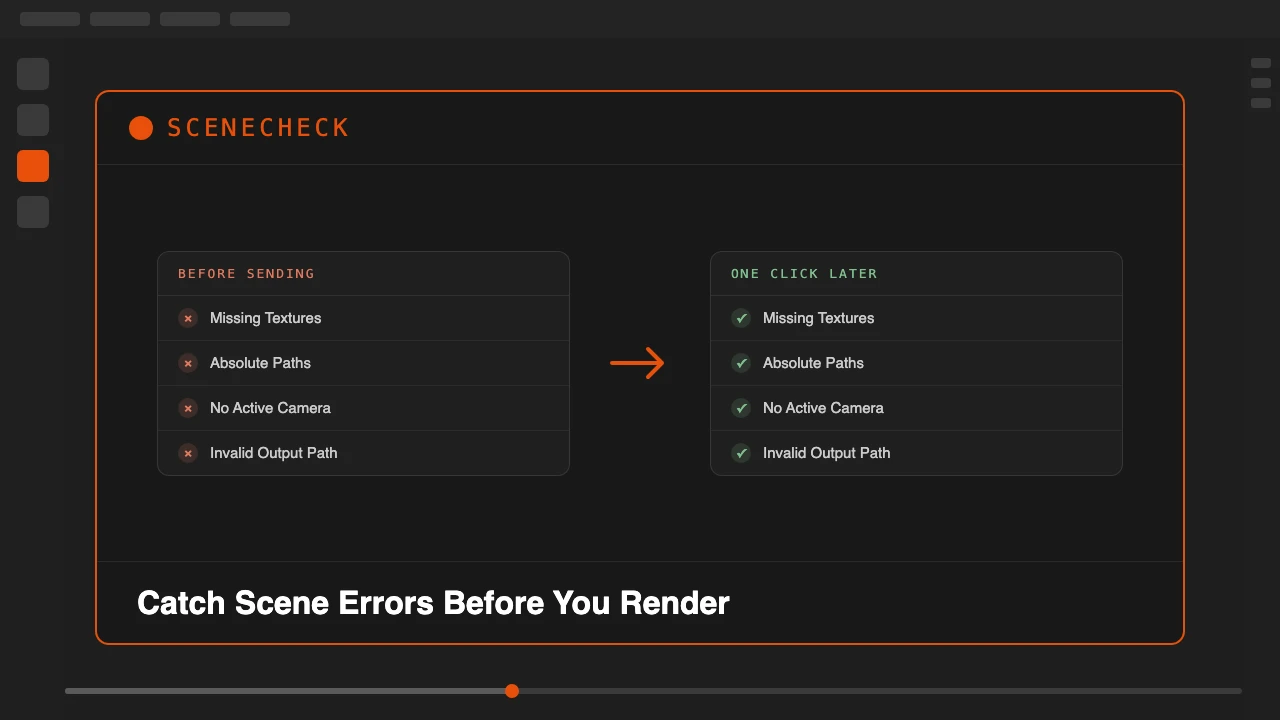
You finish a scene, hit render, and something is wrong. A texture shows up as pink and black checkers. The render goes to a folder that does not exist. You send the file to a client and they open it to a blank camera view, because the collection with your hero asset is quietly excluded from render.
None of that is a modeling or lighting mistake. It is a housekeeping mistake, the kind that hides in plain sight until the moment you cannot afford it: right before a deadline, mid render farm job, or after the file has already left your machine. SceneCheck exists to catch that class of problem before it costs you a render or a client relationship.
SceneCheck is available on Superhive.
One Panel, Six Checks
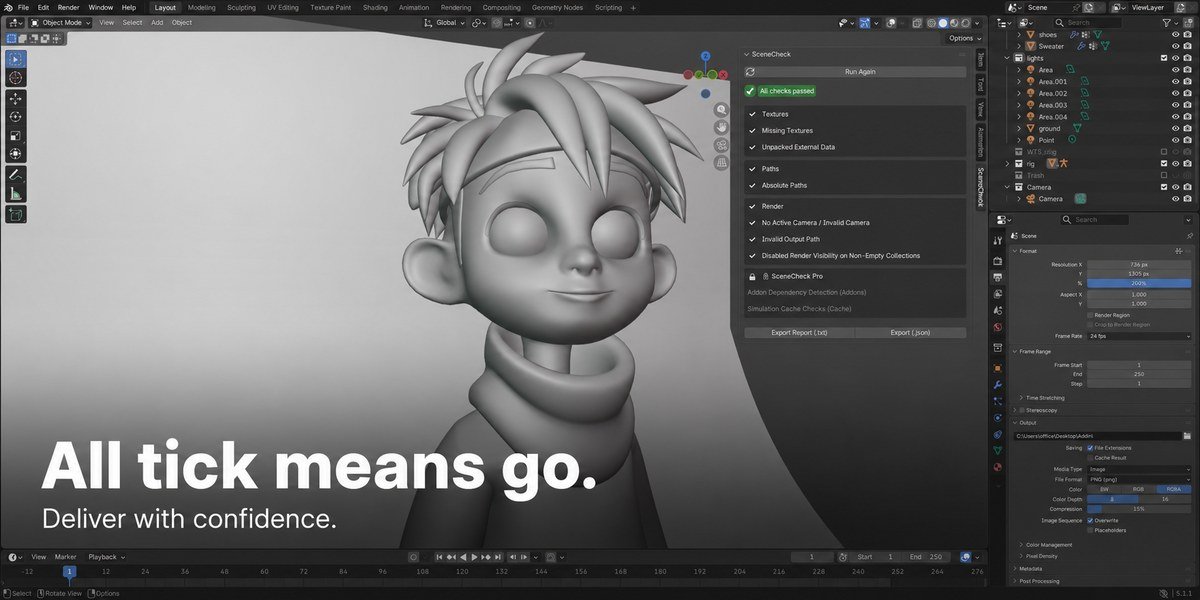
SceneCheck adds a tab to the viewport sidebar. Click Run SceneCheck and it scans the current scene against a fixed checklist, then lists every issue it finds with a clear pass or fail icon on each row. Where a fix can be applied safely, you get a Fix button next to that item, and a Fix All button to clear everything fixable in one pass.
It is a checker, not a cleaner. SceneCheck never deletes data, purges unused blocks, or reorganizes your file. It only reports problems and applies the specific, narrow fixes described below.
What the Six Checks Catch
- Missing Textures: flags any image whose source file cannot be found, including UDIM tile sets checked as one logical image. It also catches an Image Texture node with nothing assigned at all, the case that renders solid magenta but never shows up in a normal missing-files scan.
- Unpacked External Data: flags images that load fine on your machine but are not packed into the .blend, the single most common cause of "it worked when I sent it."
- Absolute Paths: flags absolute paths on images, linked libraries, sounds and movie clips that point to a specific drive and quietly break the moment the file moves to another machine.
- No Active Camera / Invalid Camera: flags a scene with no camera assigned, or a camera hidden from render.
- Invalid Output Path: flags a render output folder that does not exist or is not writable.
- Disabled Render Visibility on Non-Empty Collections: flags a collection holding mesh objects that is excluded from render, the classic "hid it to work faster and forgot to turn it back on."
Two Pro Checks for Production Pipelines
Enable SceneCheck Pro in preferences to unlock two more checks. With Pro off, they appear as locked, grayed-out rows and cost nothing in scan time.
Addon Dependency Detection scans every node tree in the file, including materials, worlds, the compositor, and Geometry Nodes groups, for node types that come from a non-built-in addon, and names the specific addon a recipient needs installed. Simulation Cache Checks scans every Cloth, Soft Body, Fluid, Dynamic Paint, Particle and Rigid Body World simulation for a baked cache, and names the specific simulation missing one, so a render farm or client machine does not silently re-simulate from scratch.
Reports and Auto-Run on Save
Export Report (.txt) or Export (.json) writes a report next to your saved .blend, useful as a paper trail before you hand a file to a client, a lead, or a render farm queue. Turn on Run SceneCheck Automatically on Save and it scans the file right before every save, with a non-blocking warning if unresolved errors remain. It never blocks the save itself, it just makes sure a broken camera or a missing texture does not slip past unnoticed.
Who This Is For
- Freelancers and studios delivering files to clients who will open the scene on a machine you do not control.
- Anyone submitting jobs to a render farm, where a missing texture or an unbaked simulation means paying for a broken result.
- Teams handing scenes between artists, where an absolute path or a hidden collection from one machine breaks quietly on another.
Run one check before you render or send the file. Catch the housekeeping mistake before it costs you.
Stop losing renders and client trust to a missing texture or a hidden collection.