You sit down to work. You open Blender. You get into it. Then you look up and it is dark outside. Four hours gone. You have no idea what you did with them or whether that was a good session or a scattered one.
Most artists have no data on their own workflow. They guess at how long things take, estimate for clients, and have no real way to know if they are getting more efficient over time.
Time and Click Tracker is available on Superhive and Gumroad.
What Gets Measured Gets Better
This is a simple idea but most 3D artists never apply it to themselves. You track polygon counts, you track render times, but you don't track your own time inside the software.
Once you have real numbers, things become clear fast. You find out which tasks actually take long versus which ones just feel slow. You see patterns in your click behavior. You start to understand your workflow as a system, not just a series of sessions.
What This Addon Tracks
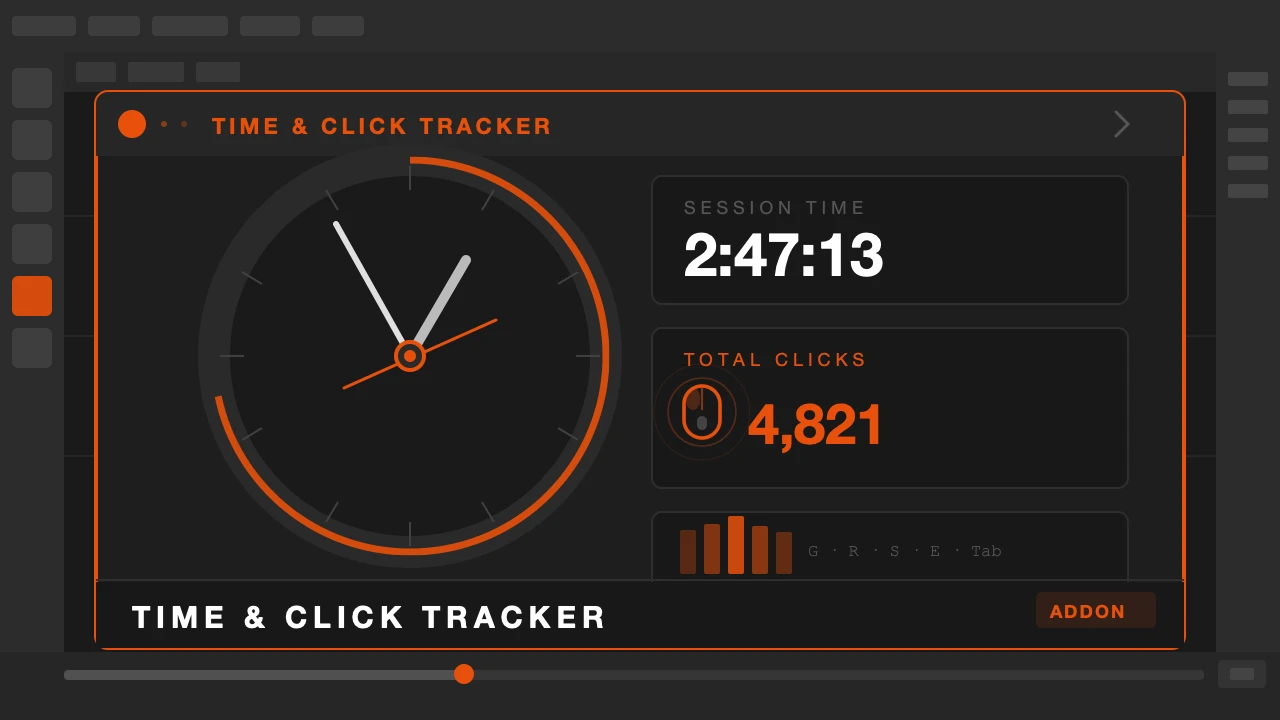
It lives in your N panel and runs quietly in the background. Every session it logs how long you have been working, how many clicks you have made, and which shortcuts you use most frequently.
The break reminder is built in. Set an interval and it nudges you when it is time to step away. Not a popup that demands your attention. A quiet notification.
The session history shows you daily and weekly summaries. You can see your most productive days, your average session length, and where your time actually goes inside Blender.
The top shortcut tracker is its own feature. If you use G three hundred times a day and never touch other tools, you learn something about how you work. Maybe you are over-relying on one method. Maybe you are efficient. Either way, now you know.
Who This Is For
Freelancers will use it for project estimation. Once you know how long modeling a character actually takes you, quoting becomes much easier and your estimates get accurate fast.
Anyone who wants to build better work habits will find it useful. The break reminder alone is worth it for long sessions.
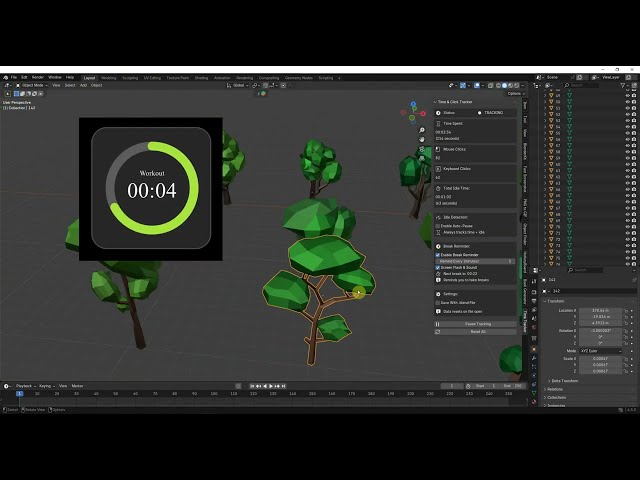
It runs in the background and asks nothing from you. Just open Blender and work. The data builds up over time and the picture of how you work becomes clearer every week.
Start understanding your own workflow.