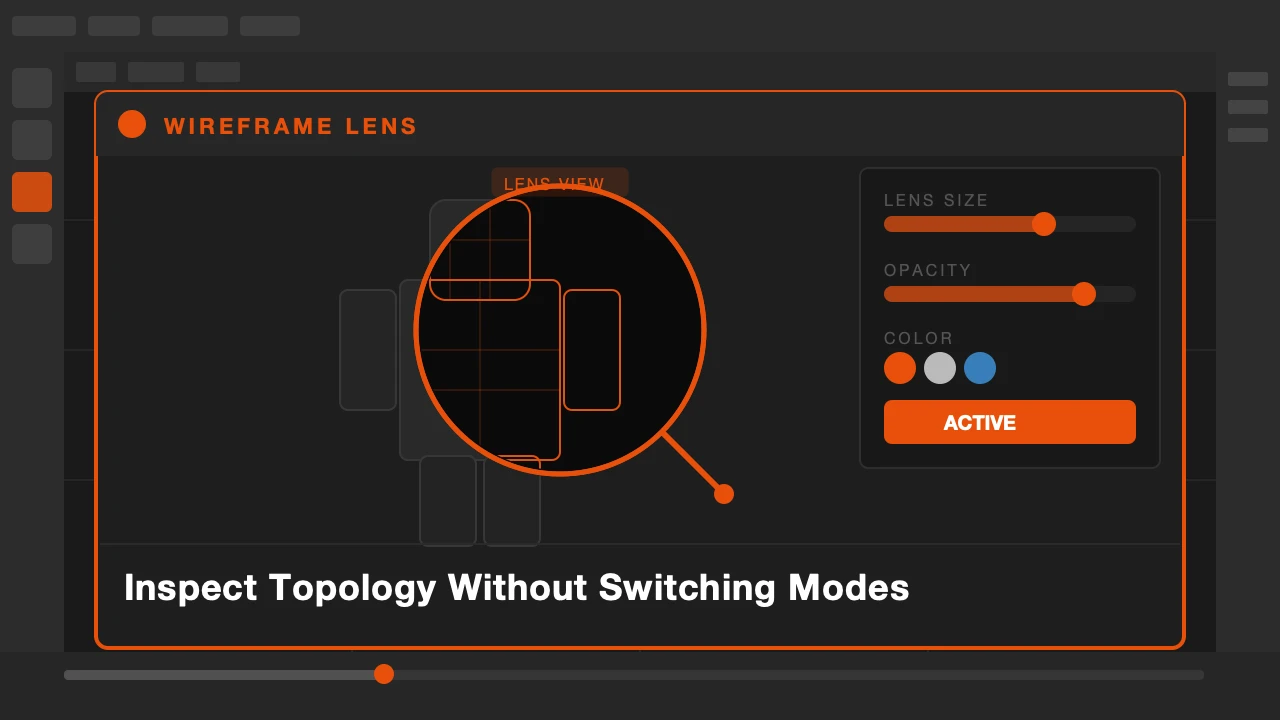
You are sculpting. The mesh looks right but you want to check the underlying topology. So you stop sculpting, switch to solid mode, toggle wireframe on, look at it, toggle it off, go back to sculpt. Every time. For every check.
That interruption is small but it breaks your state. When you are deep in a sculpt session, mode switching has a real cost.
Wireframe Lens is available on Superhive.
A Lens, Not a Mode Switch
Wireframe Lens puts a movable, resizable overlay window directly in your viewport. It shows the wireframe topology of whatever is under it while the rest of the viewport stays in your current mode.
Think of it like a magnifying glass for topology. You drag it over the area you want to check, see the edges, then move it away. Your sculpt view, your material preview, your render preview — none of it changes.
What Wireframe Lens Does
Enable it from the N panel and a lens appears in your viewport. Drag it to position it over any area of your mesh. Resize it to see more or less. The wireframe inside the lens updates in real time as you move it.
You can adjust the zoom level inside the lens independently from the viewport. If you want a close-up look at edge density in a specific area while keeping your full scene visible, that is exactly what this does.
It works in sculpt mode, texture paint mode, and solid view. Anywhere you want to glance at topology without committing to a full mode change.
Who This Is For
Sculptors who need to stay in sculpt mode but periodically check their polygon distribution. Texture artists who want to verify UV seam placement by checking edge positions. Riggers verifying deformation loops without leaving pose mode.
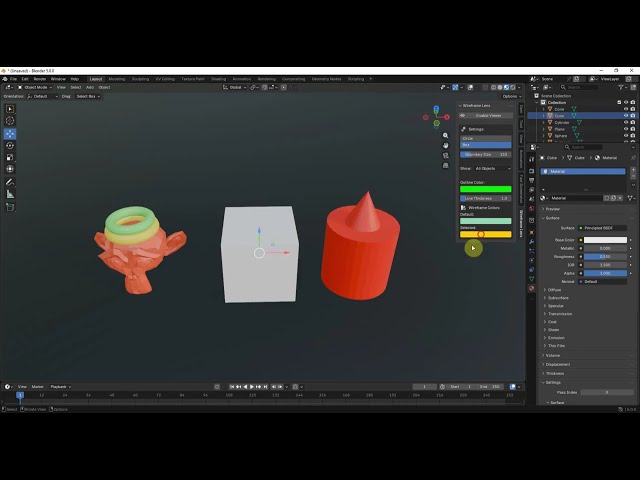
Check topology. Keep working. No mode switching required.
Stop interrupting your sculpt session to check edge flow.