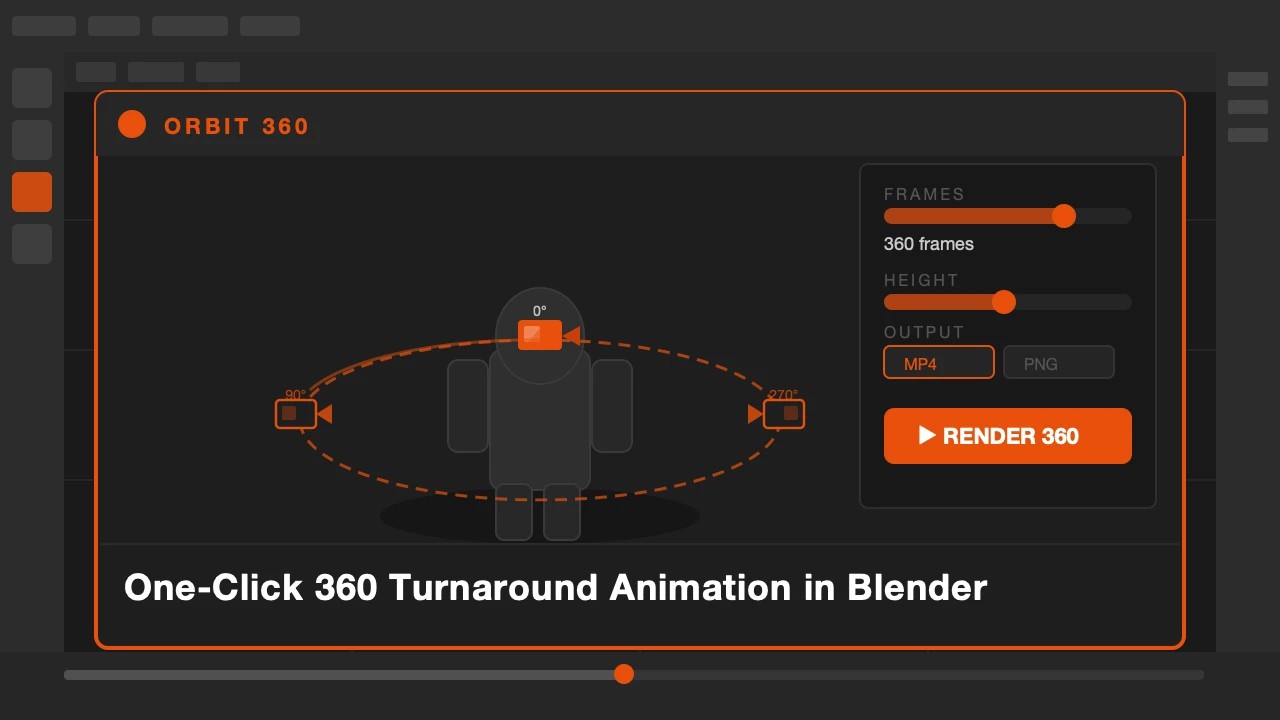
You finish a model and want a turnaround video. The kind you post to ArtStation or send to a client. The kind that shows your work from every angle in one clean shot.
Setting that up the standard way means adding a camera, positioning it correctly, adding rotation keyframes or a track constraint, setting frame range, configuring render output, running the render, and then waiting. That is fifteen minutes of setup for twenty seconds of video.
Orbit360 does all of it in one click.
Orbit360 is available on Superhive.
Turntables Take Too Long to Set Up
The technical work of creating a turnaround is repetitive. It is the same setup every time. Camera at a fixed height, orbiting the object at a fixed distance, full 360 degrees over a set number of frames.
If you do this more than twice a year, automating it is worth it. If you do it regularly for clients or portfolio updates, it saves real time every single session.
What Orbit360 Does
Select your object and open the Orbit360 panel. Set the distance, the height angle, the number of frames, and the output format. Click run.
The addon creates a temporary camera, positions it correctly around your object, animates the orbit, captures the viewport animation, and saves the output to your chosen folder. No manual camera. No keyframes. No render queue.
The export comes directly from the viewport, not from Cycles or EEVEE render. This means it is fast. You get the look of your current viewport shading: solid, material preview, or rendered viewport preview. For portfolio turntables, viewport render quality is usually exactly what you want.
You can choose GIF or video output. GIF works well for quick social media posts. Video gives you better quality for client deliverables or portfolio uploads.
Who This Is For
3D artists who present work to clients regularly. Portfolio builders who want to show models from all angles without complex render setups. Anyone who sells assets on marketplaces where turntable previews are standard.
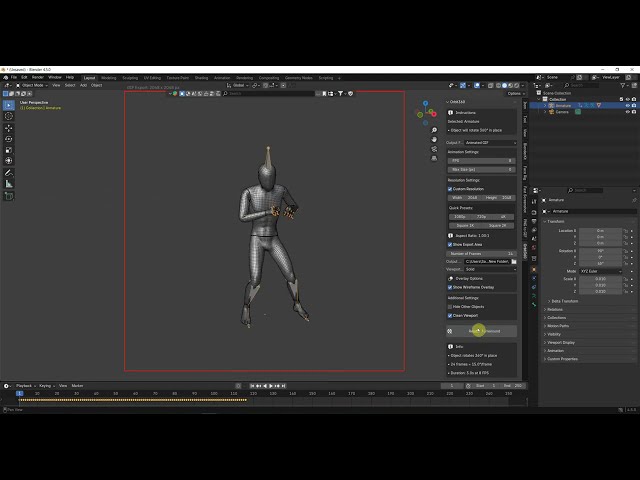
Select. Set. Click. Done. Your turnaround is ready.
Show your work from every angle without the setup.